📷 Photo Triager
Fast RAW photo culling on iPhone and iPad. Triage in the field, edit on the desktop.
Fast RAW photo culling on iPhone and iPad. Triage in the field, edit on the desktop.
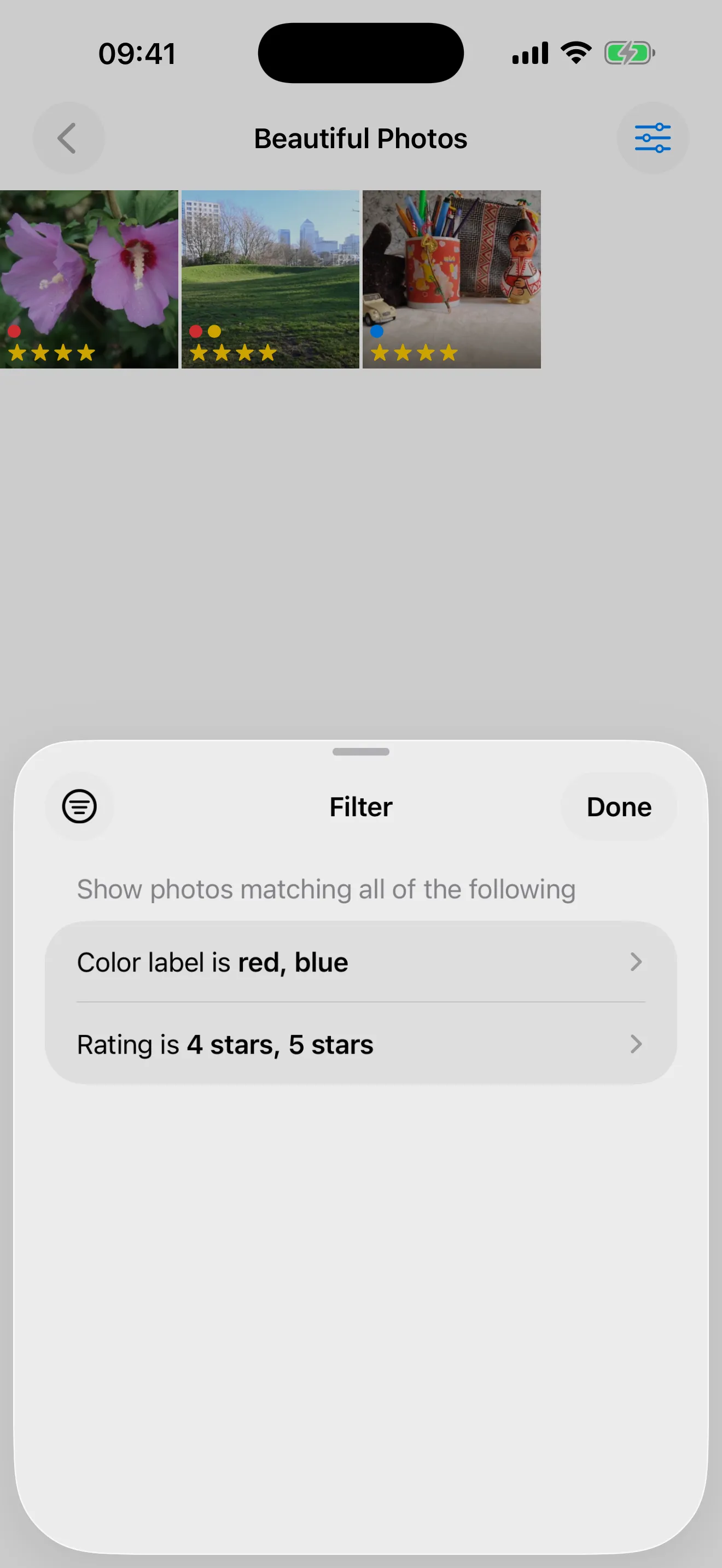
Photo Triager helps photographers quickly sort through RAW photos on their iPhone or iPad. Open a folder from any storage accessible through iOS Files, mark your picks, rejects, star ratings, and color labels, and move on. The app writes standard XMP sidecar files so your decisions carry over seamlessly to darktable or Lightroom on your desktop.
Scroll right to see Lightroom mode support →
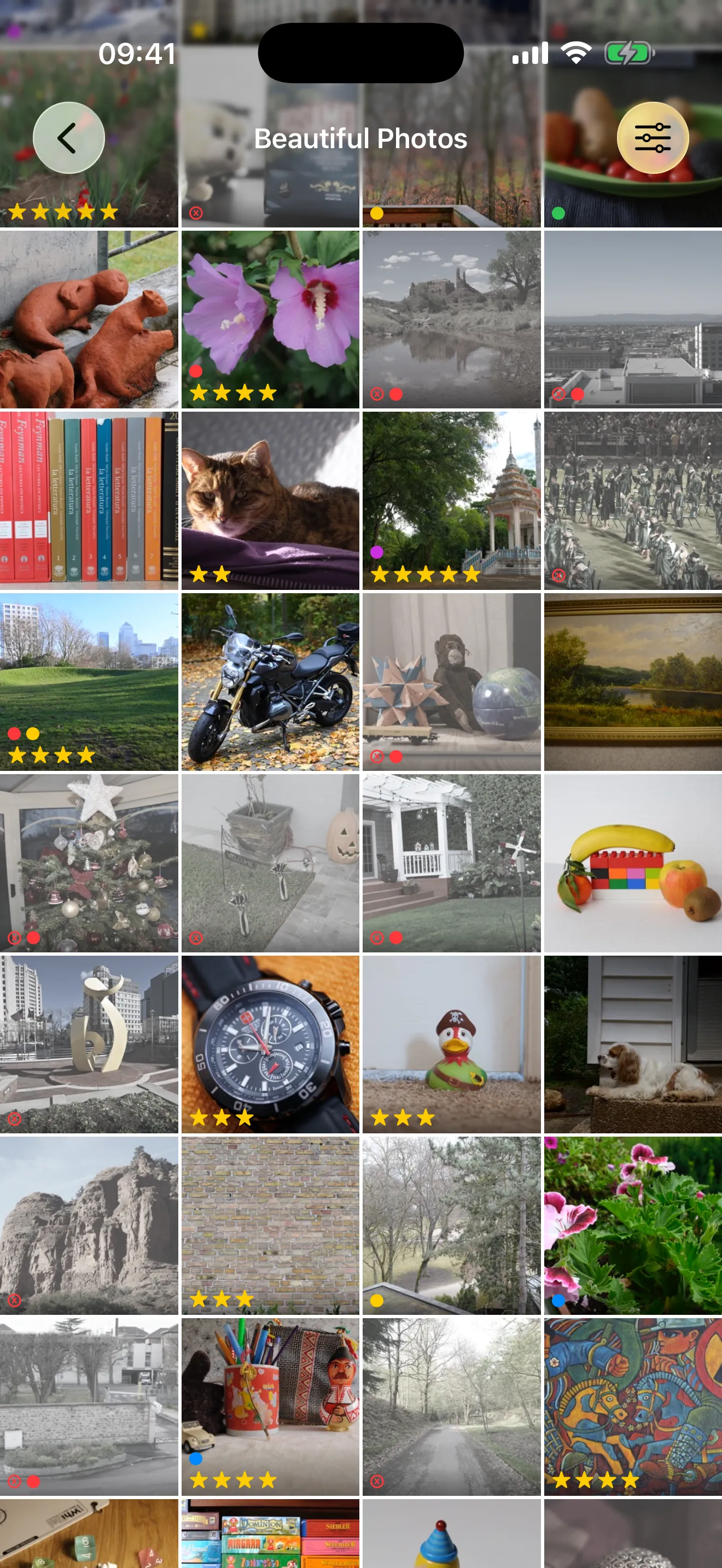
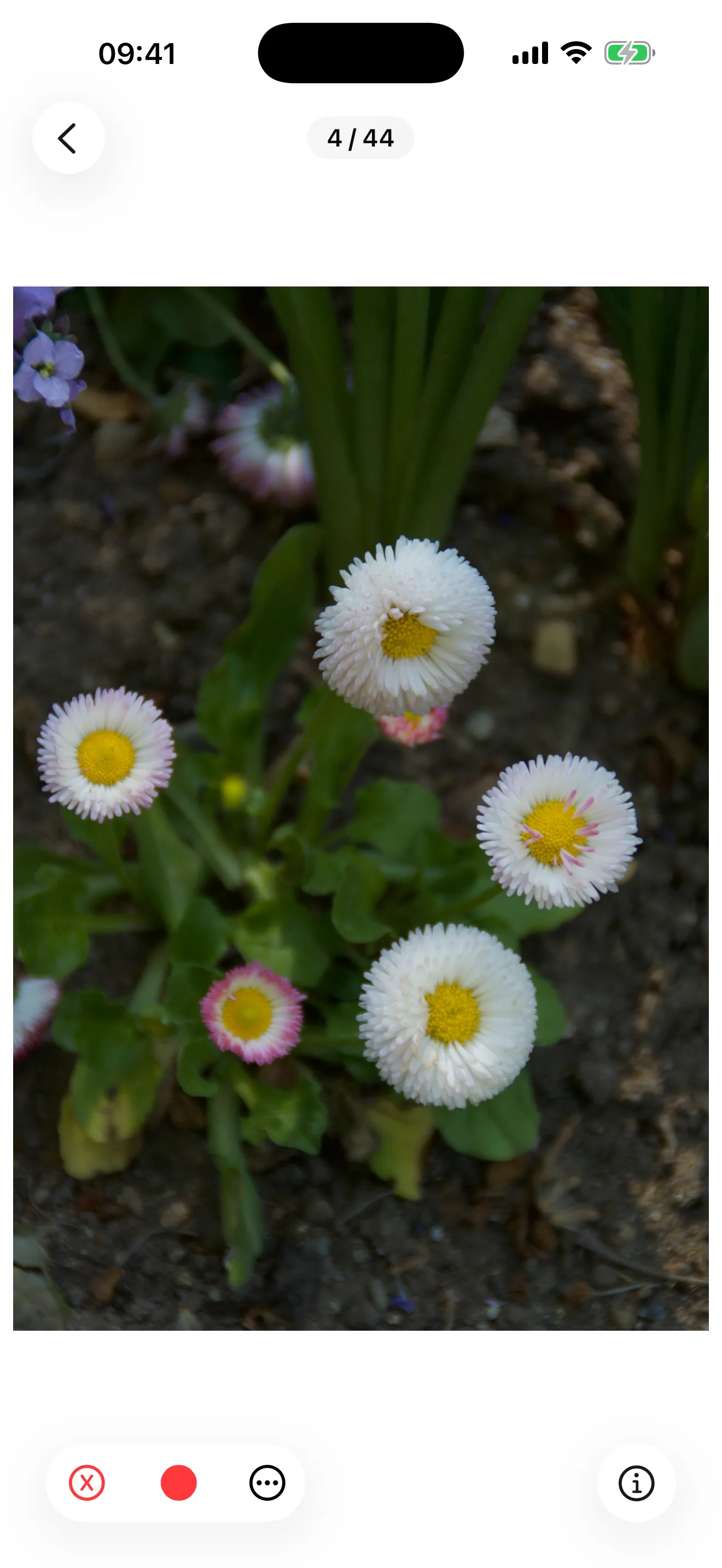
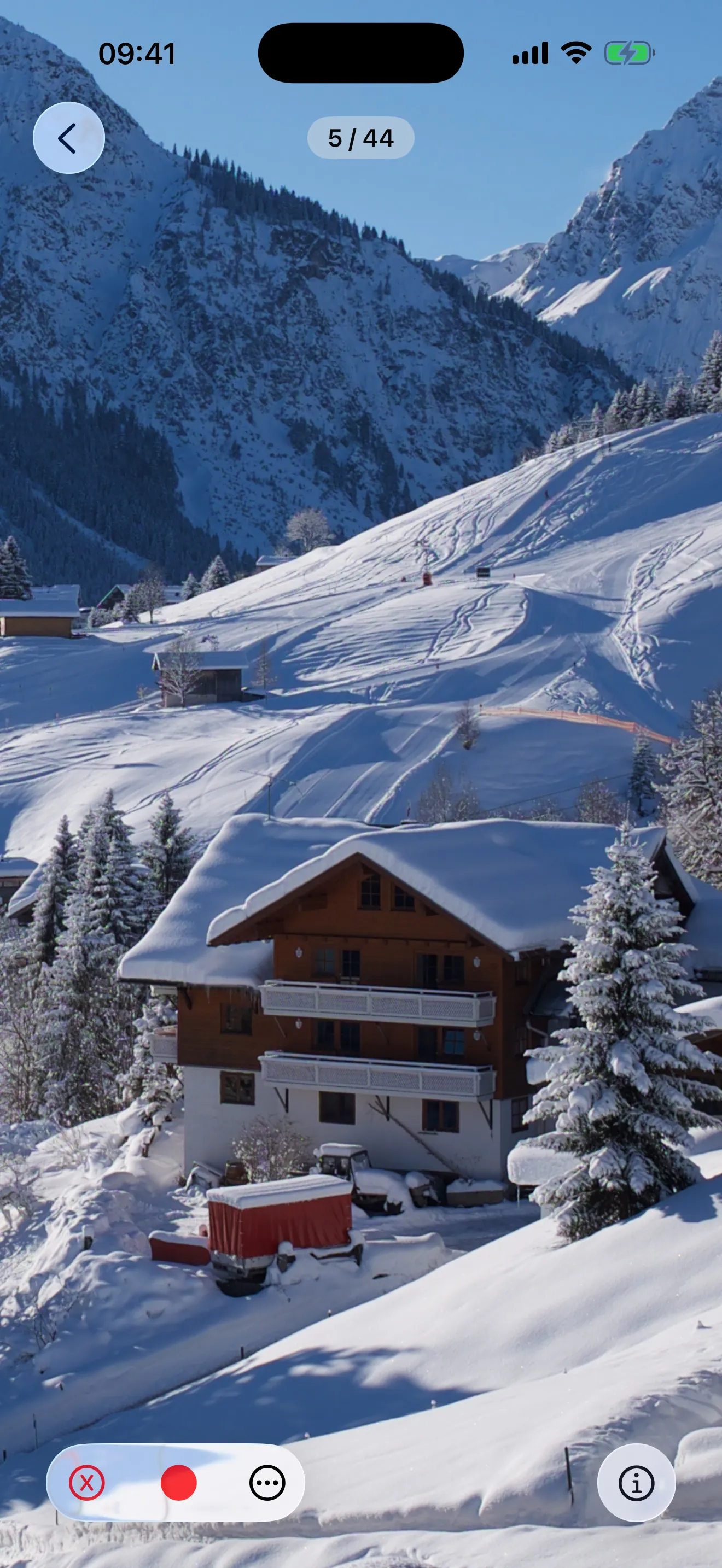
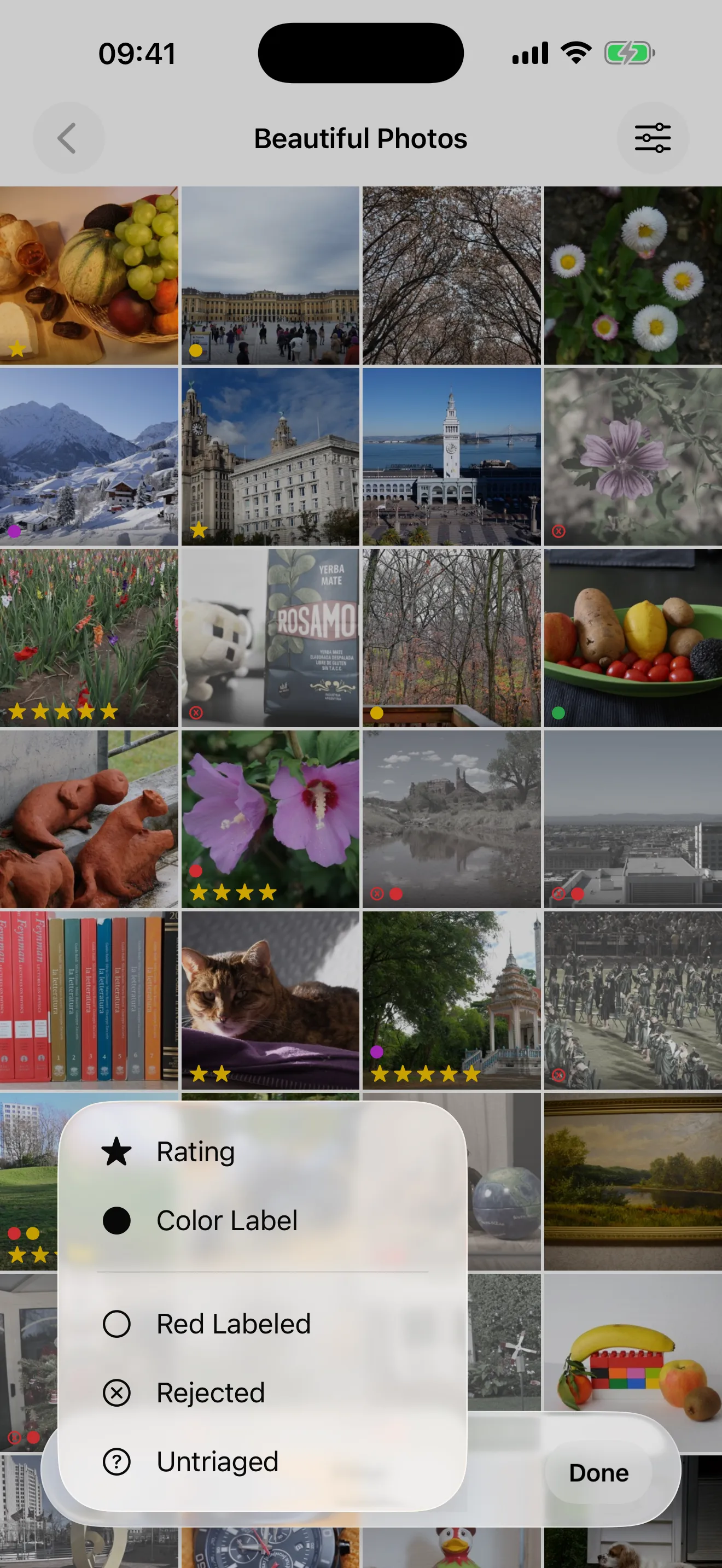
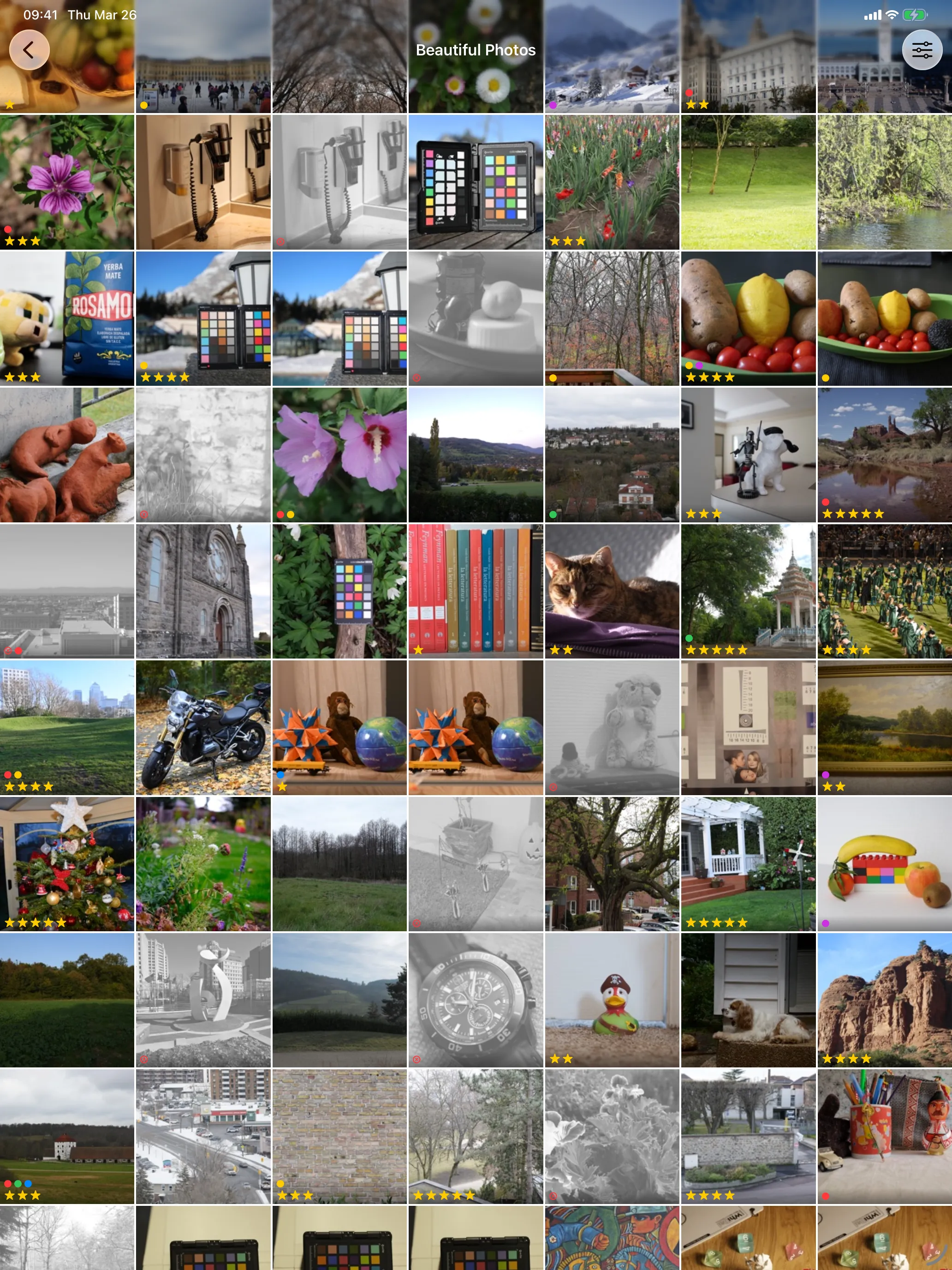
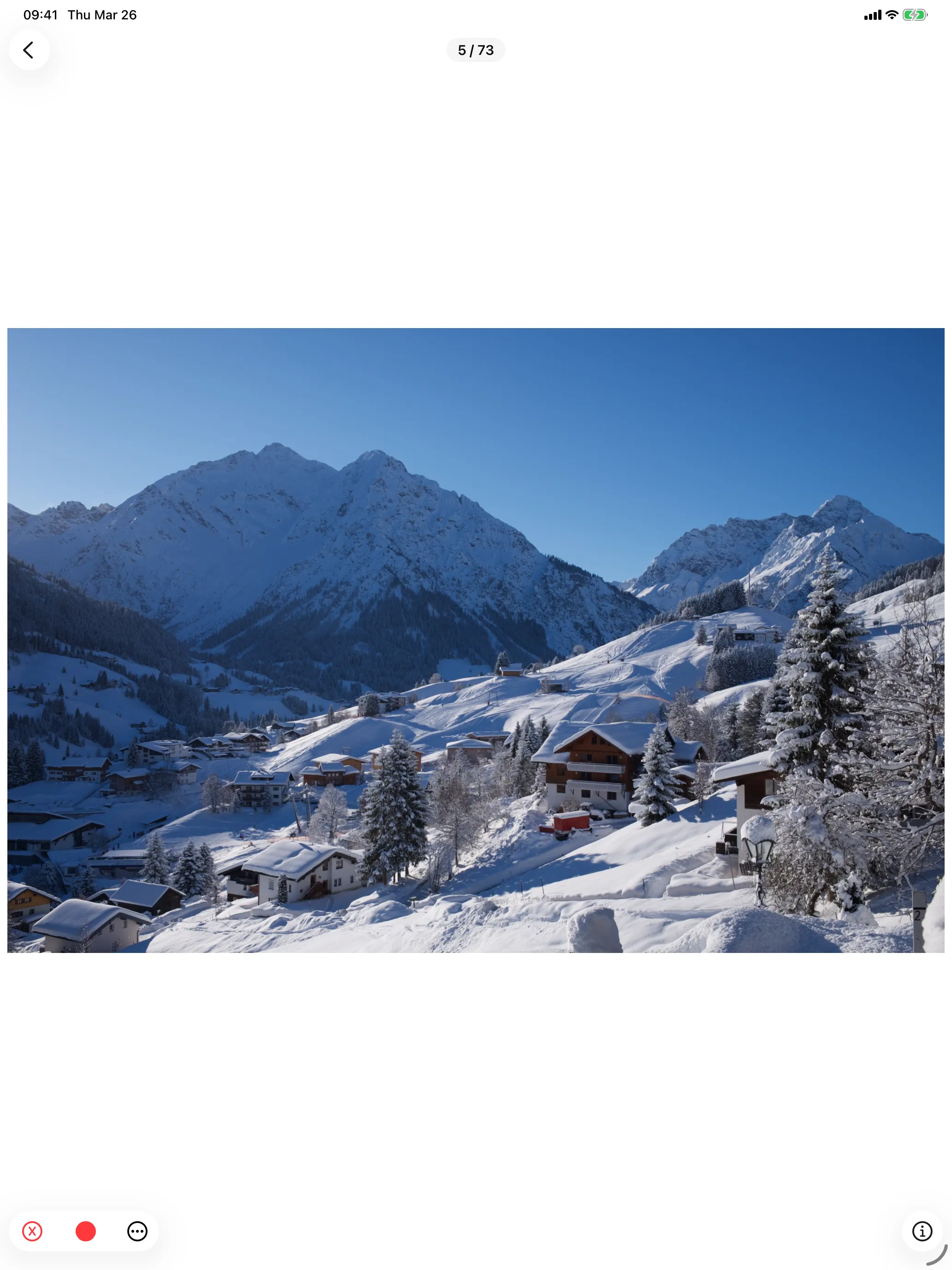
Now available on iPad — full support for the bigger screen →
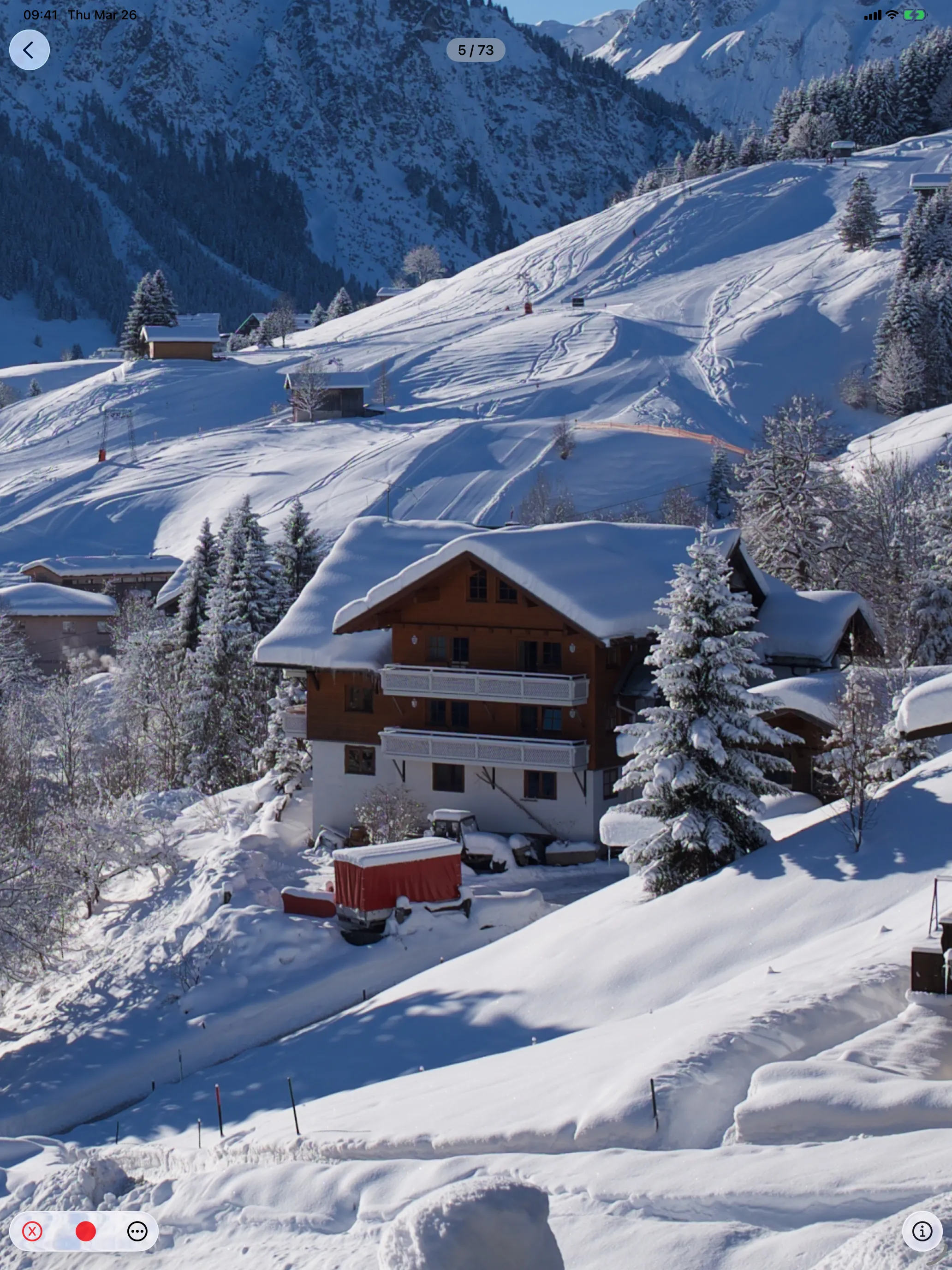
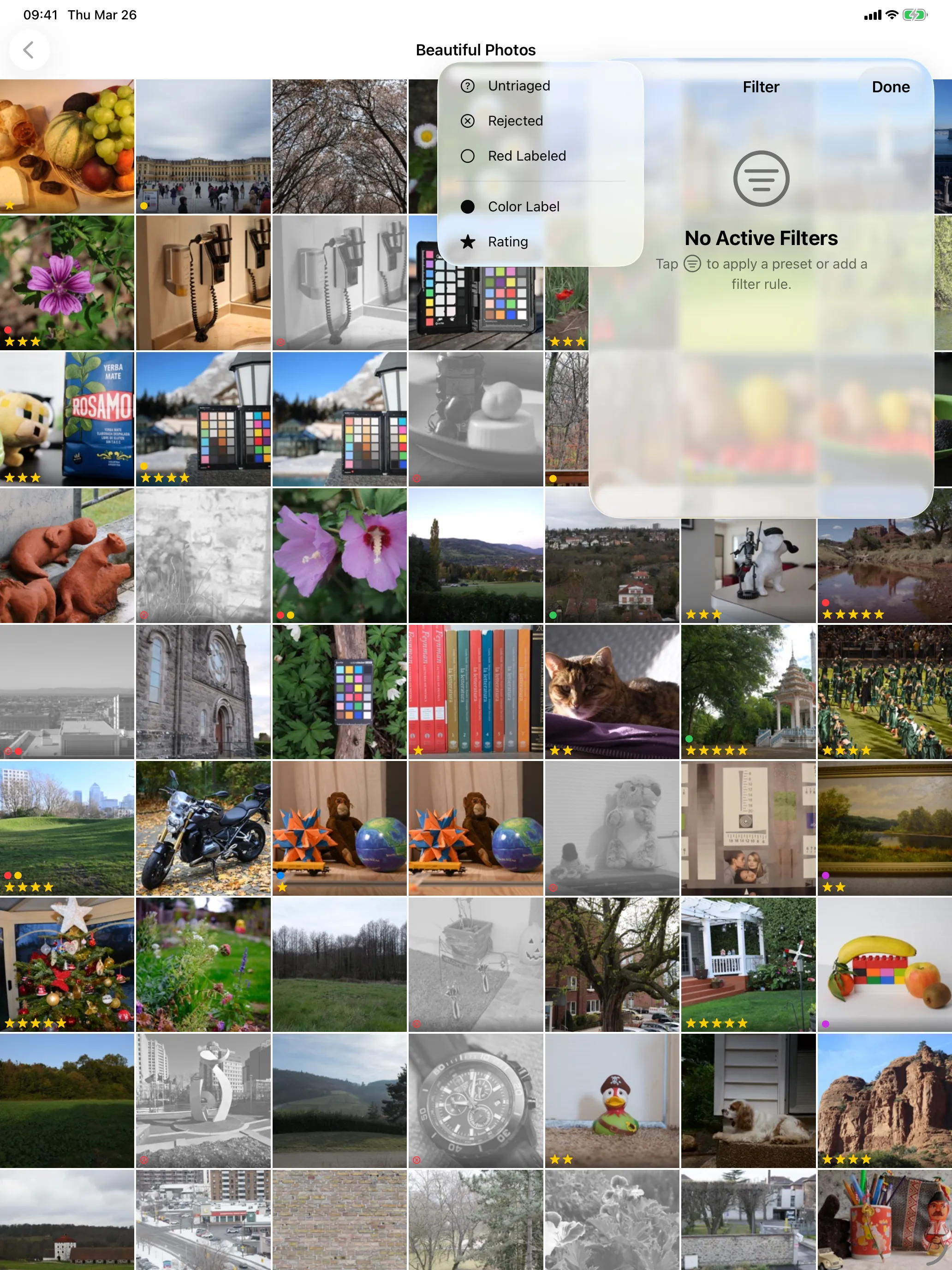
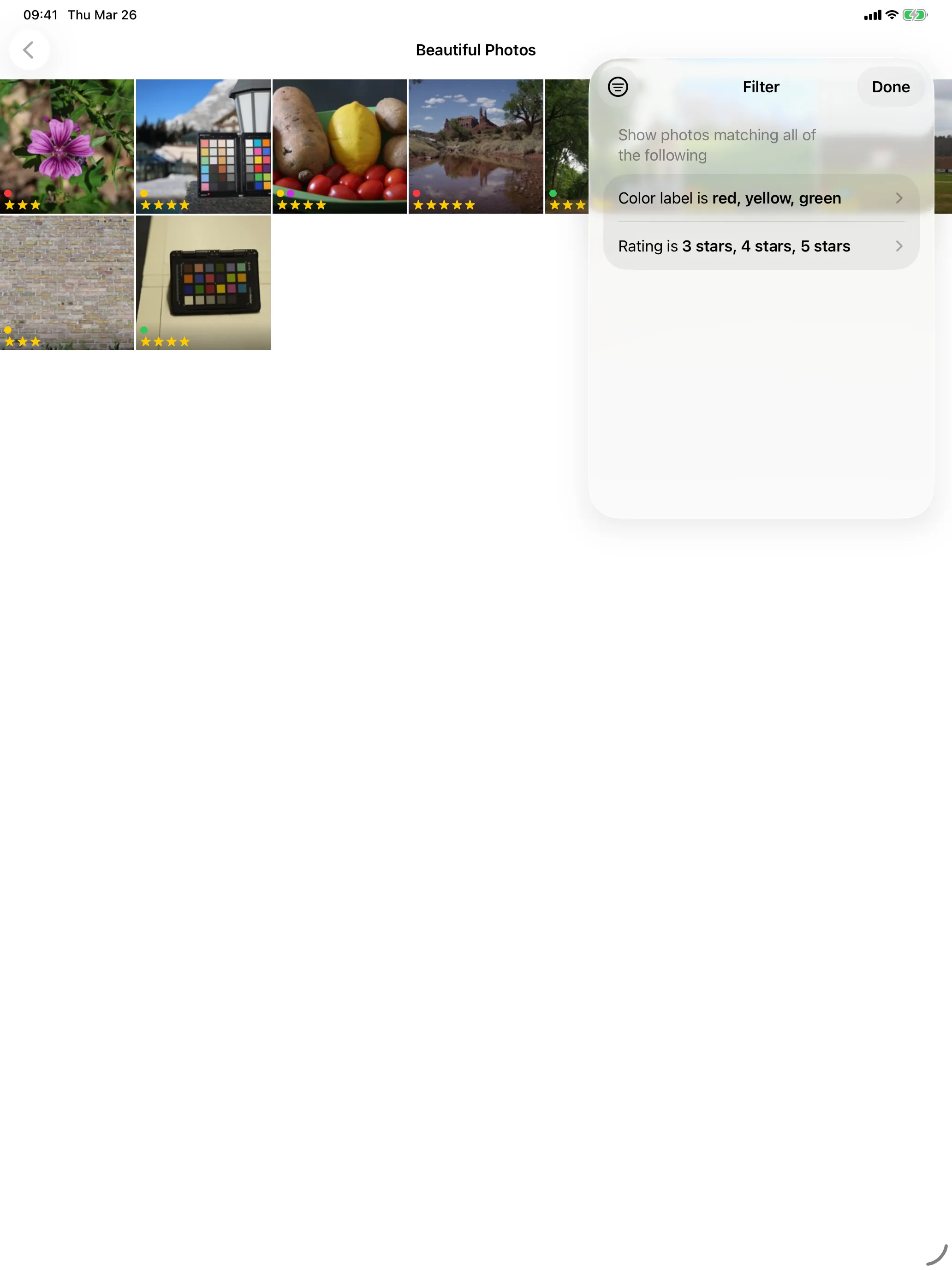
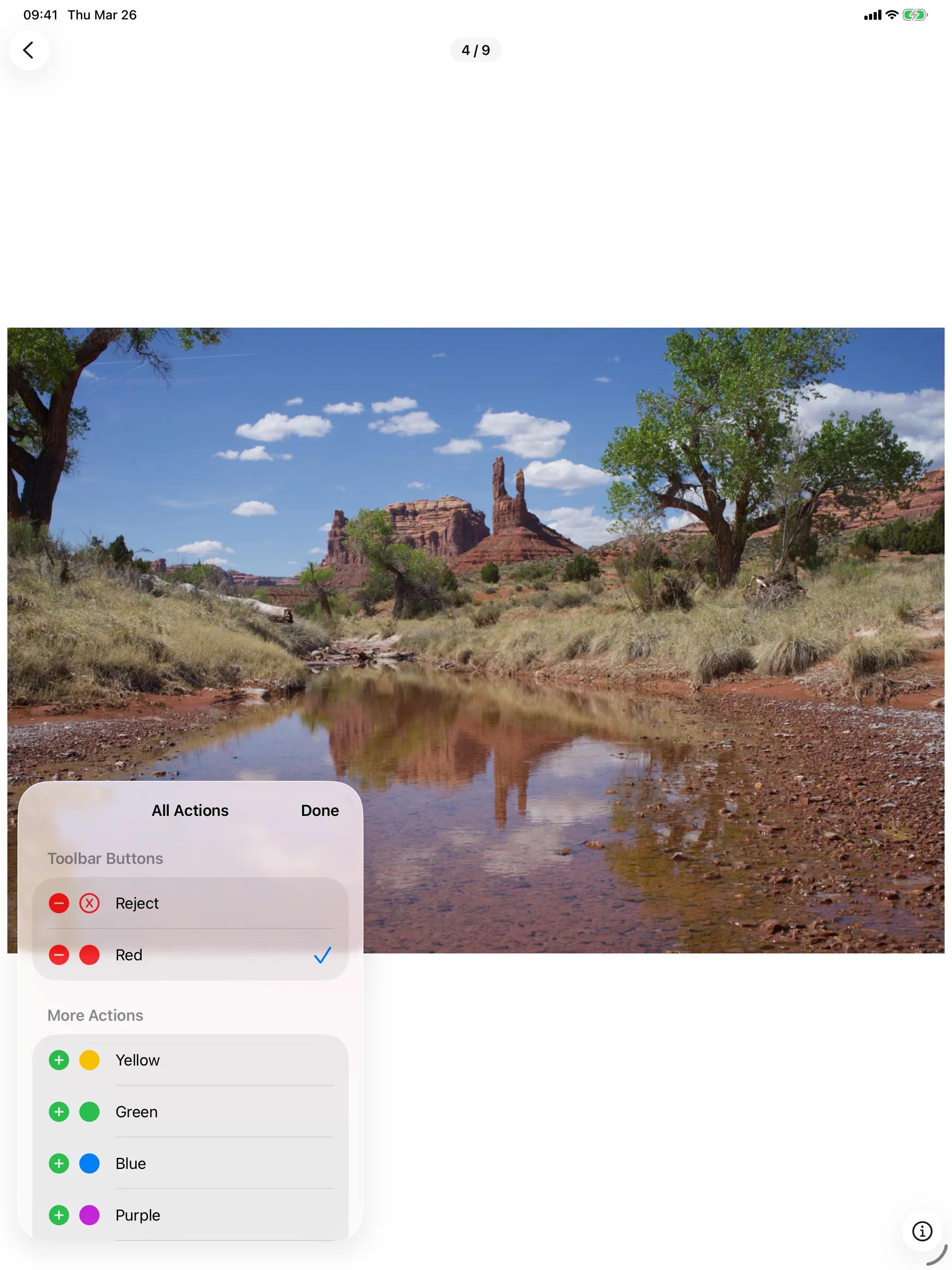
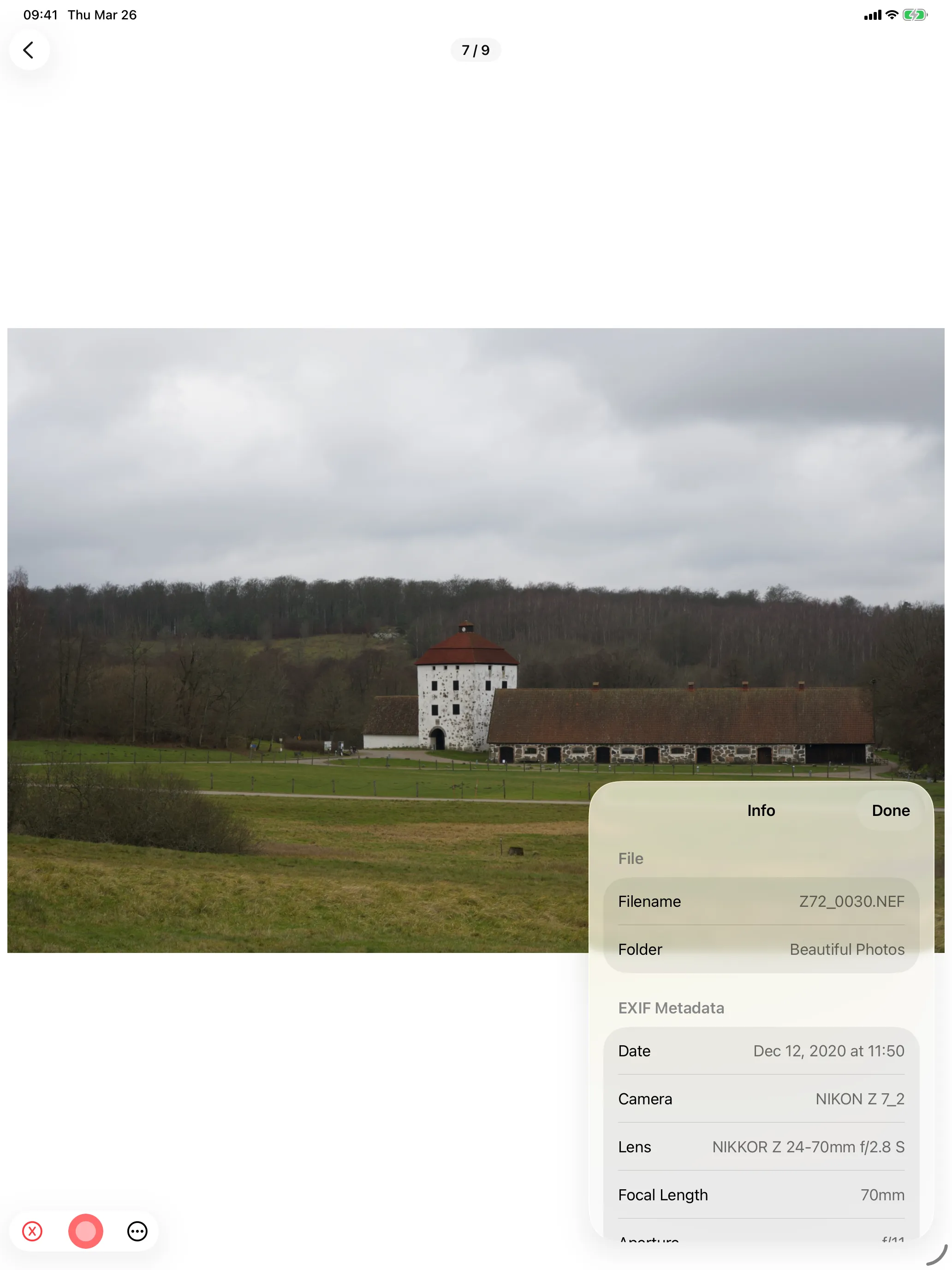
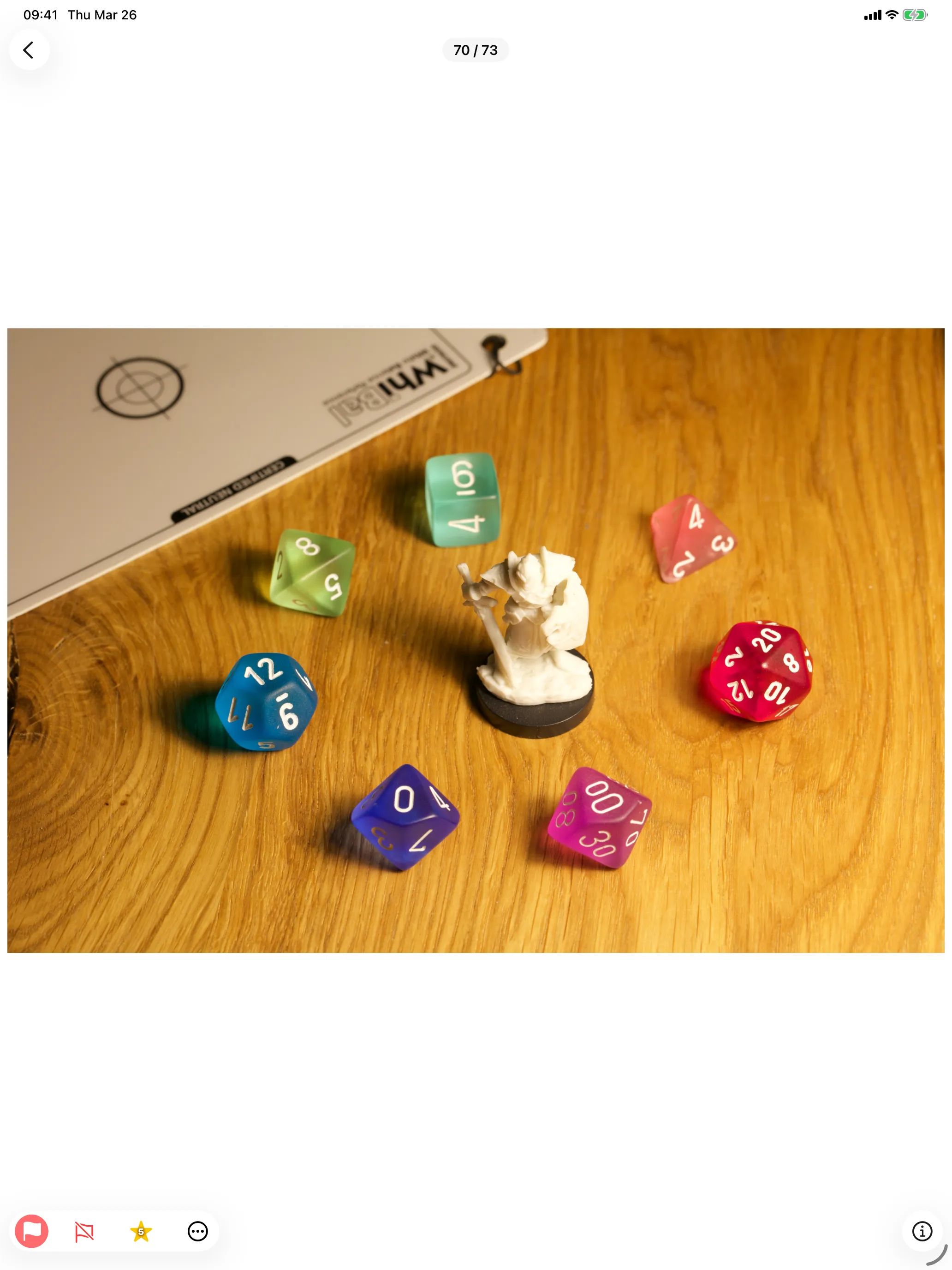
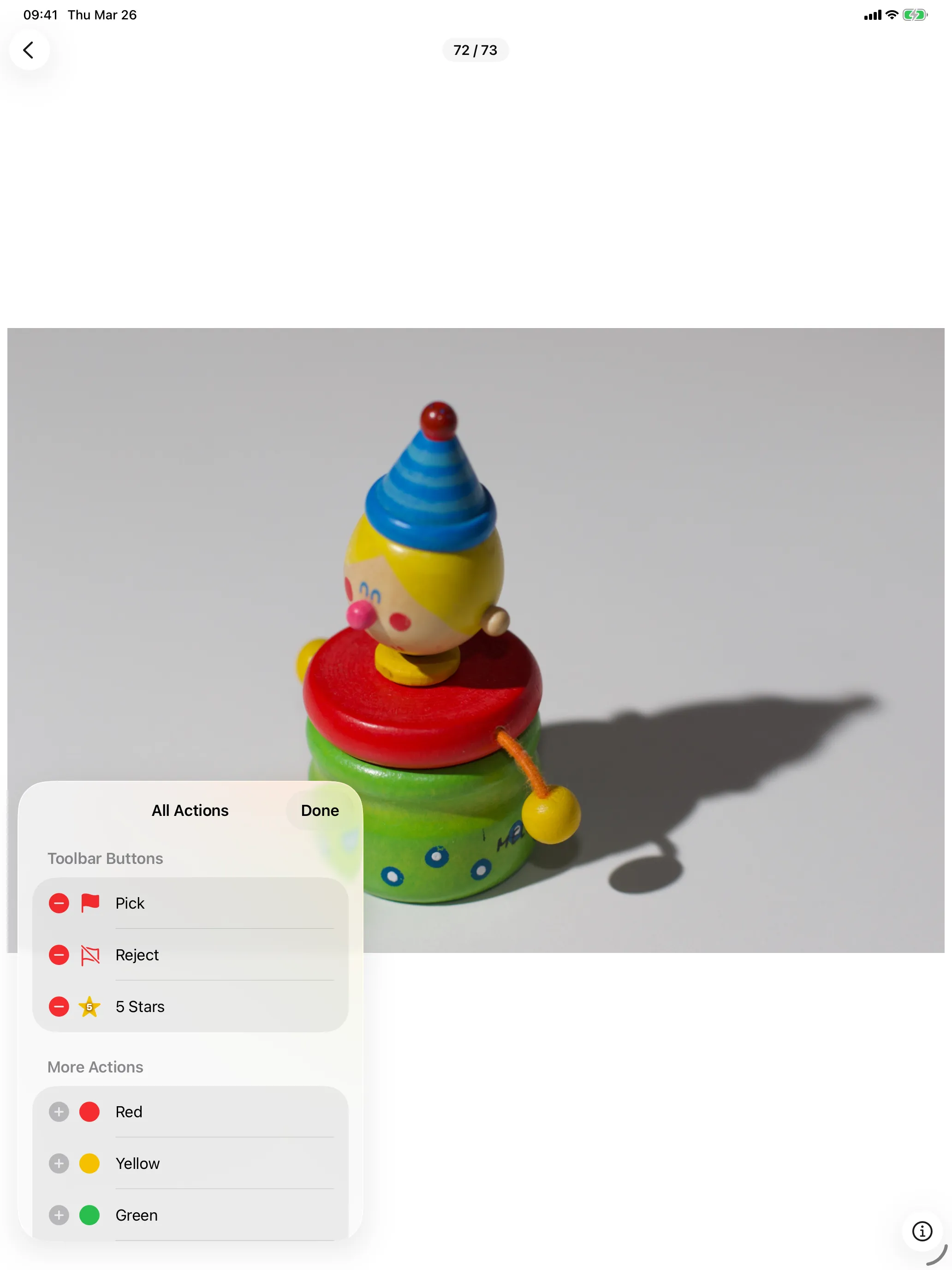
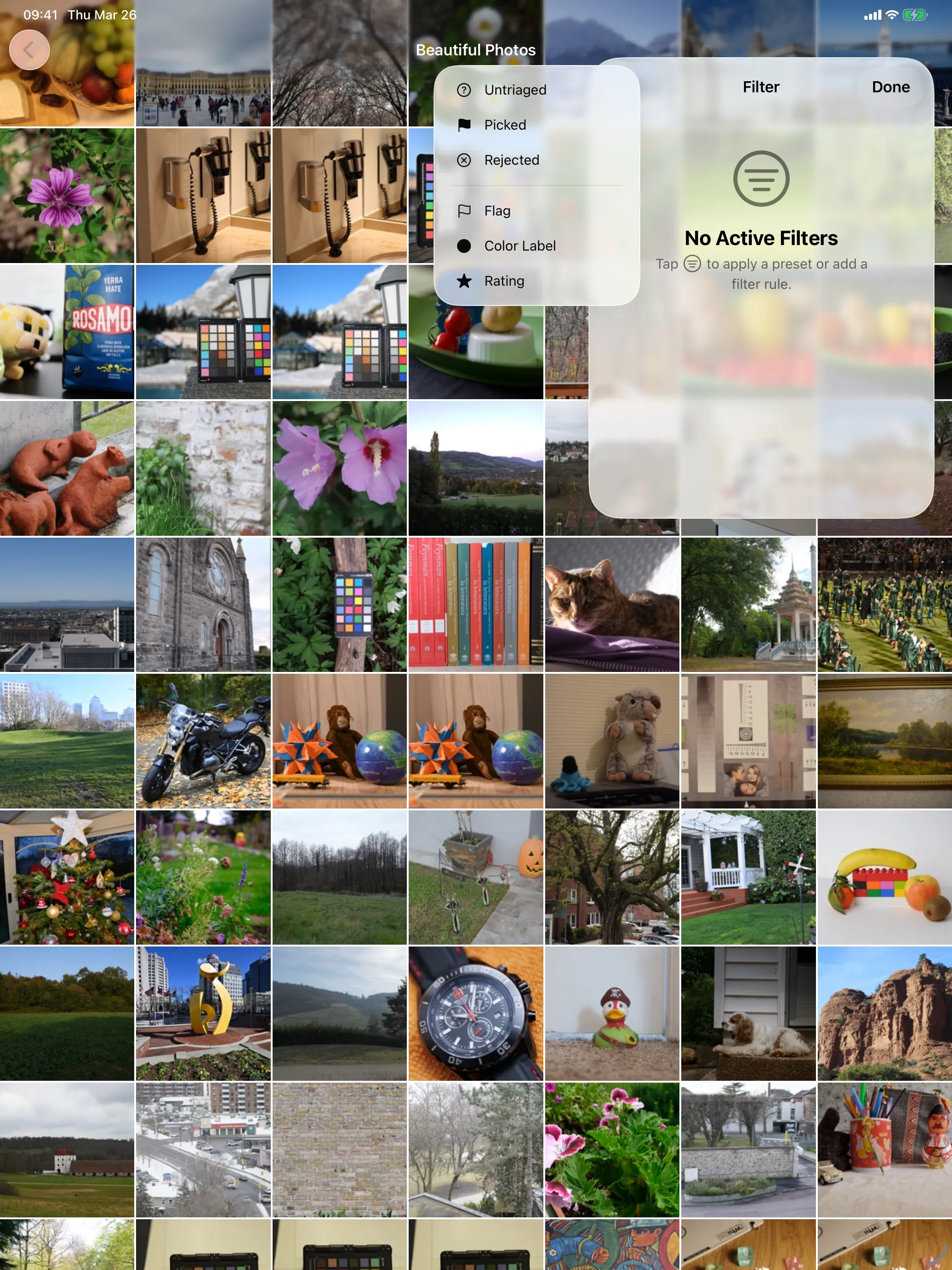
Open folders from SD card readers, external SSDs, iCloud Drive, or any storage accessible via iOS Files.
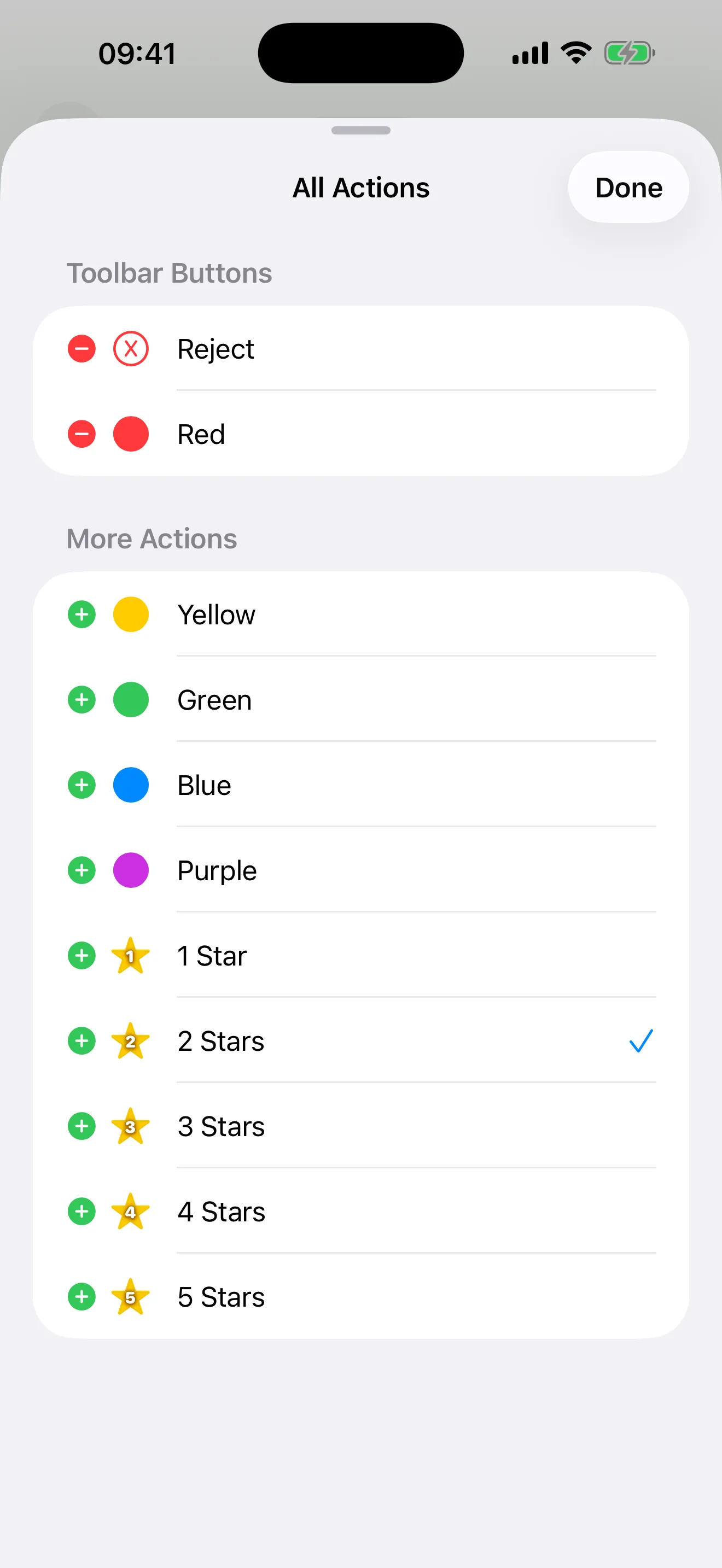
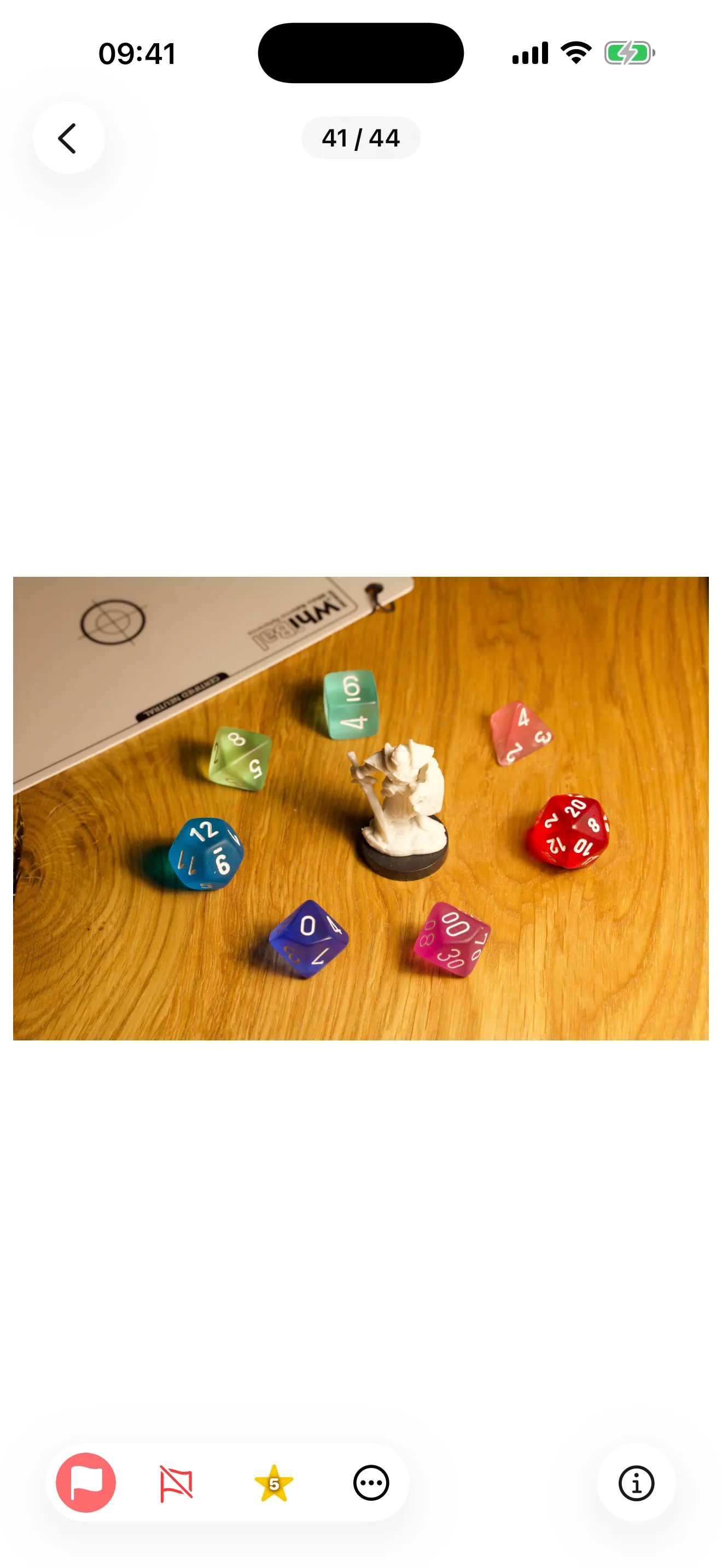
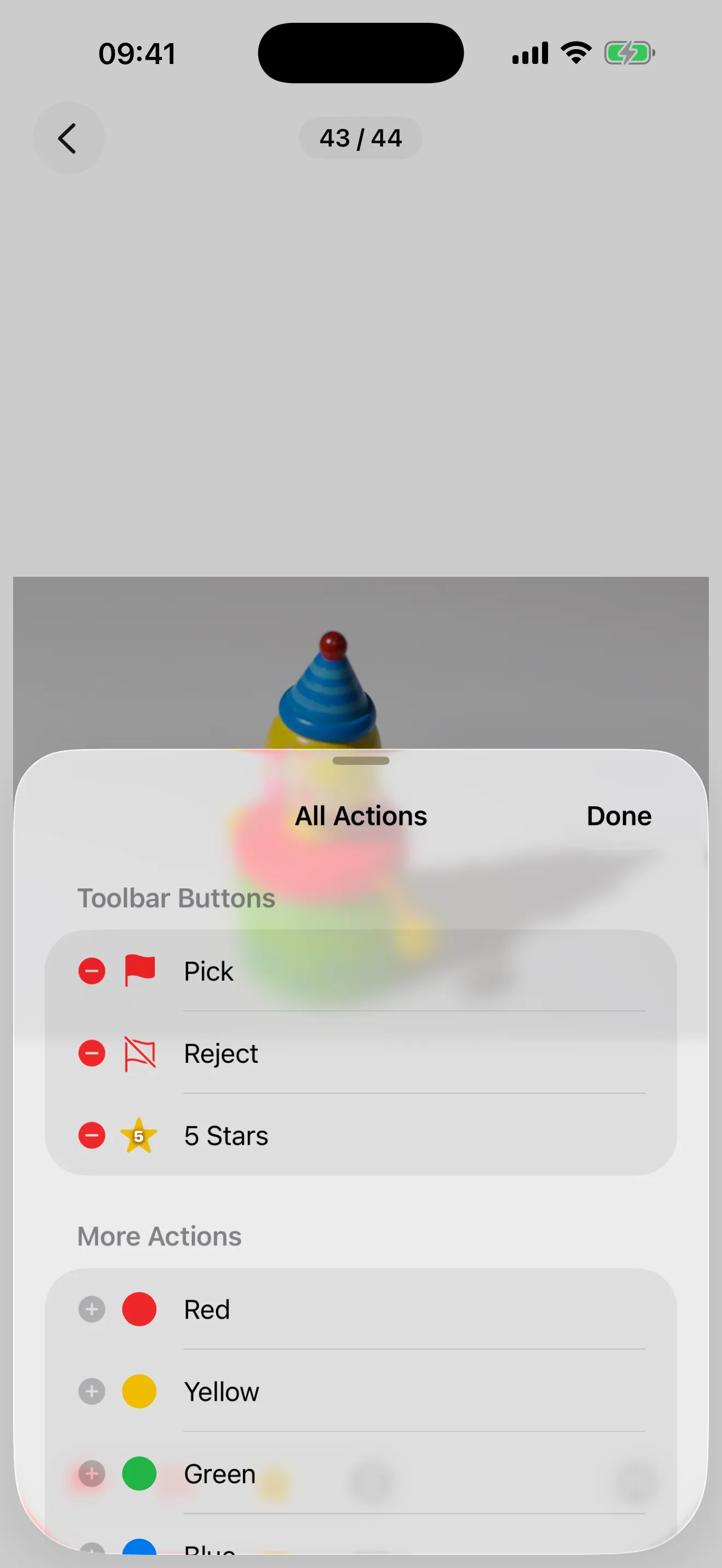
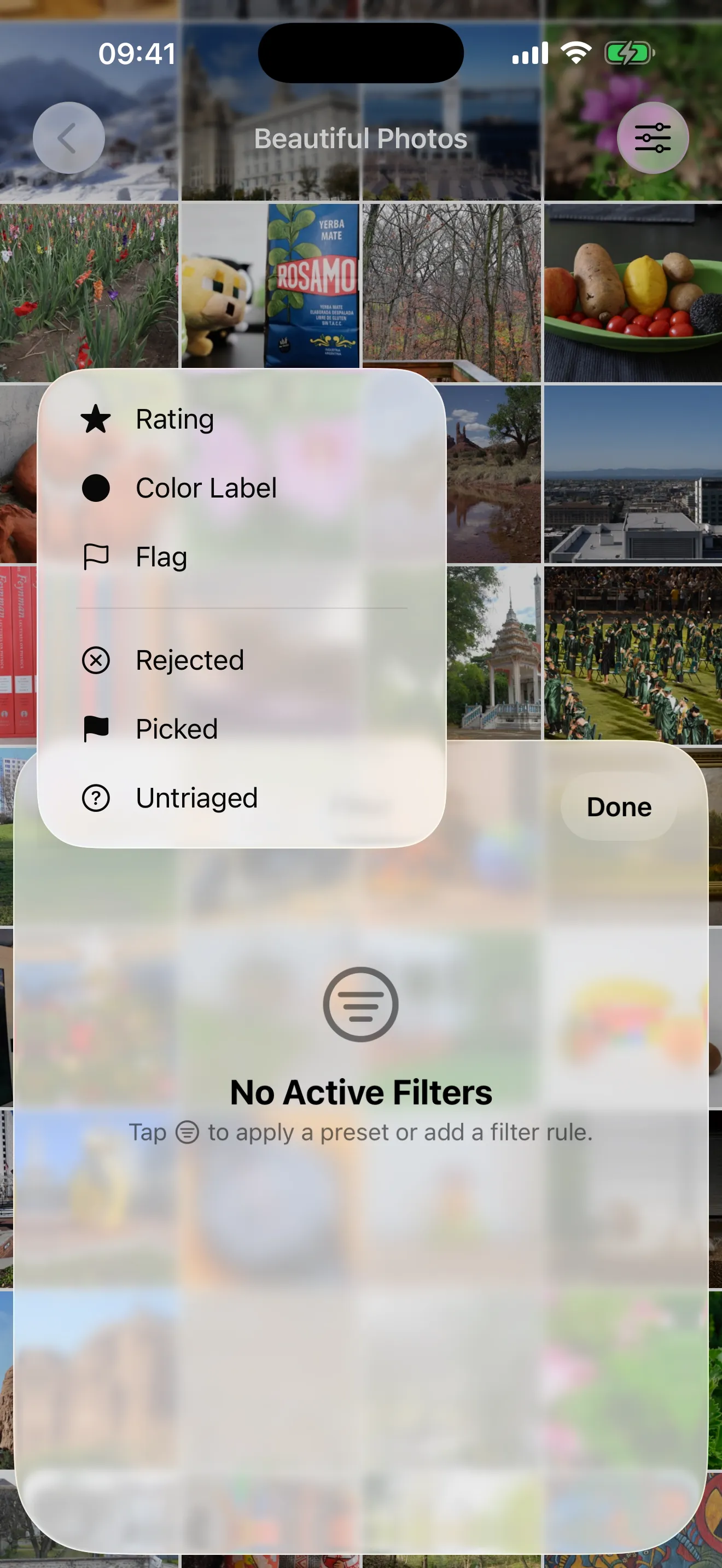
Swipe through full-size previews. Set triage status with reject, pick, star ratings, and color labels — all with quick one-tap actions.
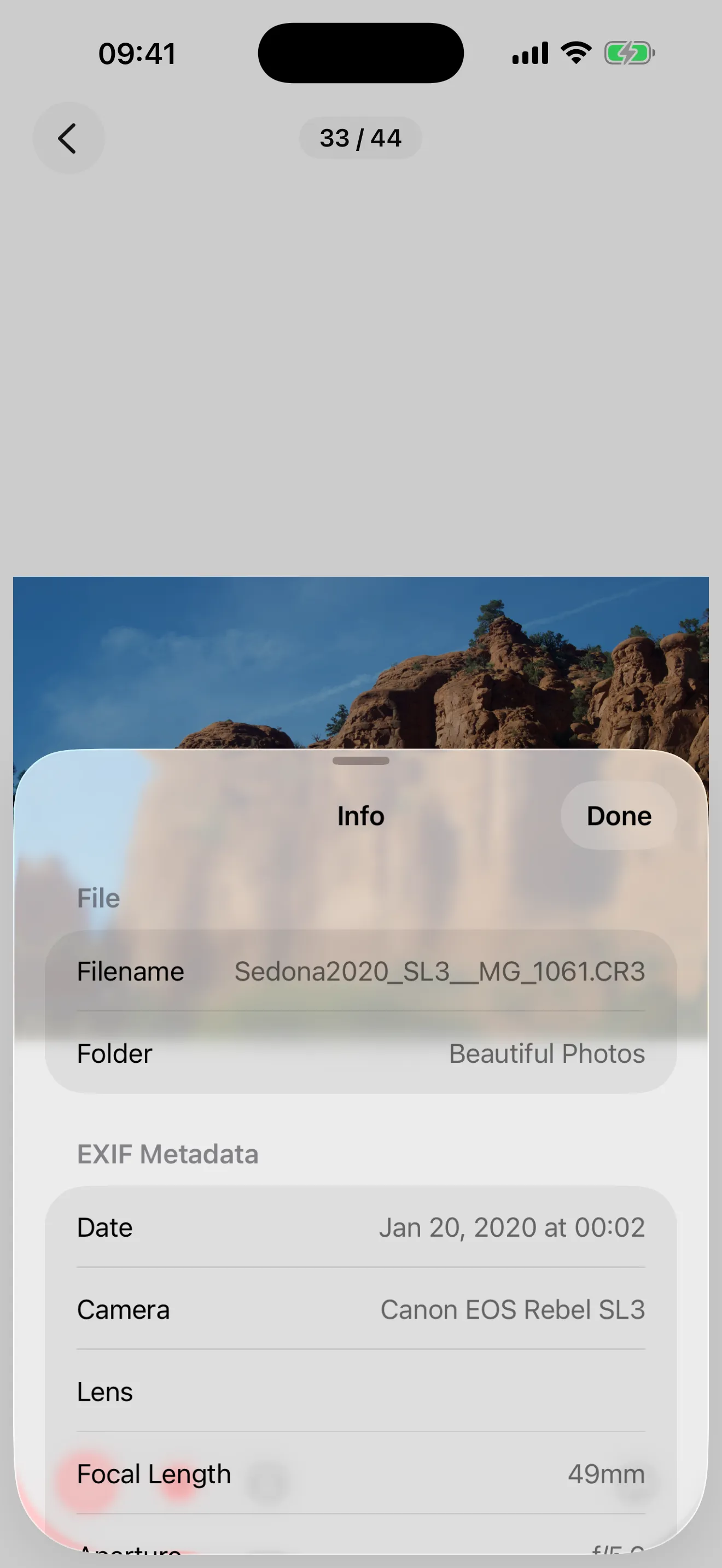
Writes standard XMP sidecar files compatible with both darktable and Lightroom. Your triage decisions transfer directly to your desktop RAW editor.
No internet connection required. No accounts. No telemetry. No data leaves your device. Your photos stay yours.
Optimized for iPhone and iPad with iOS 18 or later. Triage your photos anywhere — from your pocket to the big screen.
Check sharpness at up to 10× zoom with progressive high-resolution decoding — no waiting for full-res loads.
Works with RAW files from major camera brands. Format support is based on Apple's iOS platform capabilities.
Photo Triager is free to download with a generous daily allowance. Need more? Top up with flexible options.
Claim 1,000 free actions when you first open the app. Browsing photos is always free.
50 free triage actions every day, resetting at midnight. Enough for casual culling sessions.
One-time purchase of additional actions when you need a quick top-up.
Unlimited actions for 30 days — ideal for heavy shooting trips or extended editing sessions.
Re-editing the same photo within 90 days is always free — only the first triage action on each photo counts.